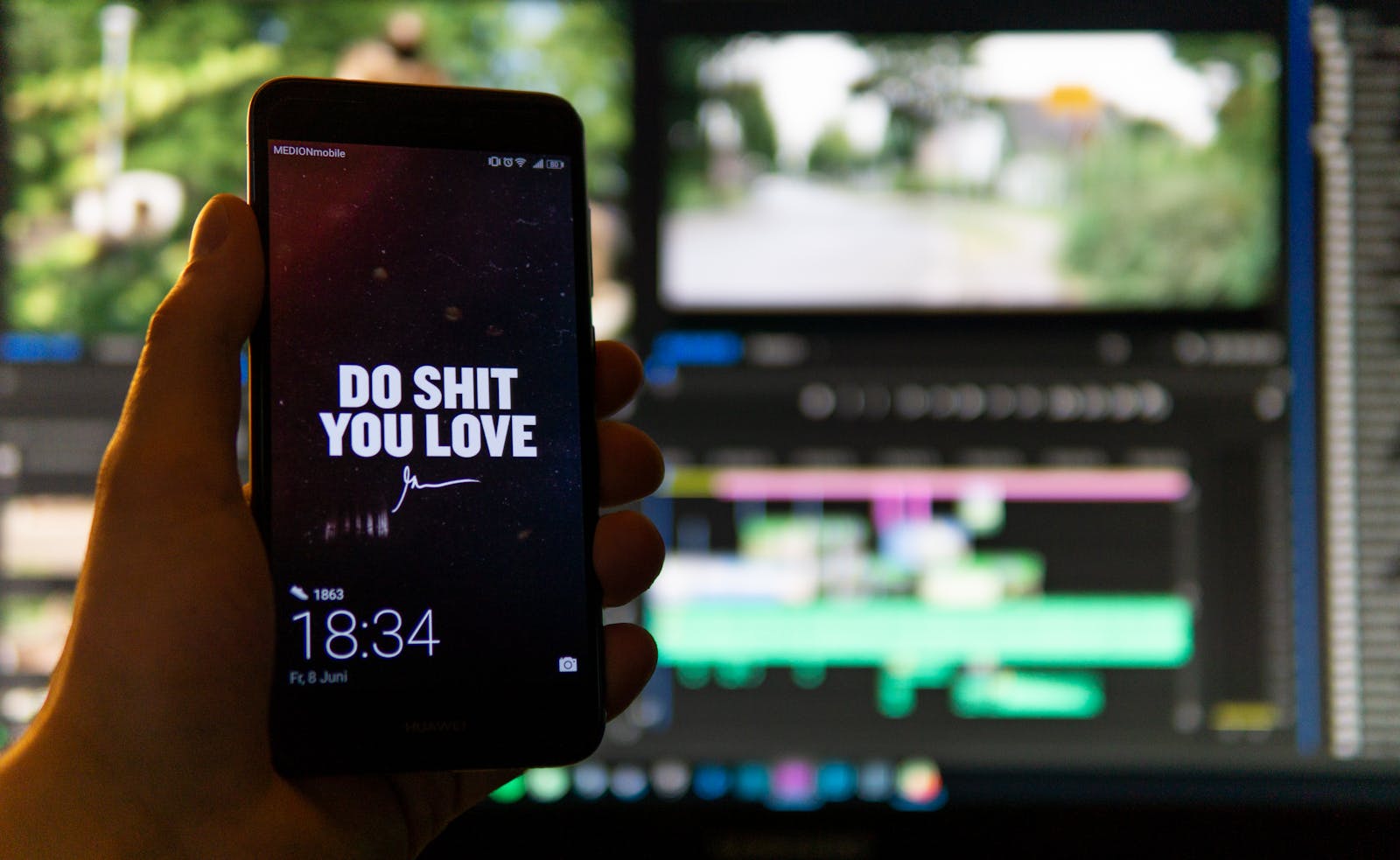
Mobile video editing has evolved dramatically over the past few years. With smartphones becoming powerful enough to handle complex editing tasks, creators no longer need expensive desktop software to produce professional‑quality content. Whether you’re a beginner experimenting with short clips or a seasoned creator managing a YouTube channel, the right mobile app can make all the difference. In this article, we’ll explore the best video editing apps for mobile in 2026 and what makes them stand out.
1. CapCut
CapCut has quickly become one of the most popular mobile editing apps, especially among TikTok and Instagram creators. It offers a wide range of features including transitions, filters, text overlays, and music integration. Its intuitive interface makes it beginner‑friendly, while advanced options like keyframe animation and chroma key appeal to experienced editors. CapCut also integrates seamlessly with TikTok, making it ideal for short‑form video creators.
2. Adobe Premiere Rush
Adobe Premiere Rush is designed for creators who want professional‑grade editing on the go. It syncs projects across devices, allowing you to start editing on your phone and finish on your desktop. With features like multi‑track editing, advanced color correction, and direct export to social platforms, Premiere Rush is perfect for creators who need flexibility and consistency. Its integration with Adobe Creative Cloud makes it a strong choice for professionals.
3. InShot
InShot remains a favorite for quick edits and social media content. It’s simple, fast, and packed with features like trimming, splitting, speed control, and background music. InShot also offers templates for Instagram Stories, Reels, and YouTube Shorts, making it a go‑to app for influencers. While it doesn’t have the depth of Premiere Rush, its ease of use and affordability make it highly accessible.
4. Kinemaster
Kinemaster is a powerful mobile editor that supports multi‑layer editing, blending modes, and advanced audio controls. It’s particularly useful for creators who want more control over their projects without switching to desktop software. Kinemaster’s precision editing tools and professional effects make it suitable for business presentations, tutorials, and polished social media campaigns.
5. LumaFusion (iOS)
For iPhone and iPad users, LumaFusion is considered one of the most advanced mobile editing apps available. It offers features comparable to desktop software, including multi‑track editing, advanced effects, and professional audio tools. LumaFusion is widely used by journalists, filmmakers, and content creators who need high‑quality editing on the go.
Choosing the Right App
The best video editing app depends on your goals. If you’re focused on short‑form content, CapCut or InShot may be ideal. For professional projects, Adobe Premiere Rush or LumaFusion provide advanced capabilities. Kinemaster strikes a balance between accessibility and depth, making it versatile for both casual and professional use.
Final Thoughts
Mobile video editing in 2026 is about convenience, speed, and creativity. With apps like CapCut, Premiere Rush, InShot, Kinemaster, and LumaFusion, creators have powerful tools at their fingertips. Whether you’re producing quick social clips or professional‑grade videos, these apps ensure you can edit anytime, anywhere. The key is to match the app’s strengths with your content goals, ensuring your videos not only look great but also resonate with your audience.
Leave a Reply